Why Your Home Wi-Fi Is Slow and What Actually Fixes It
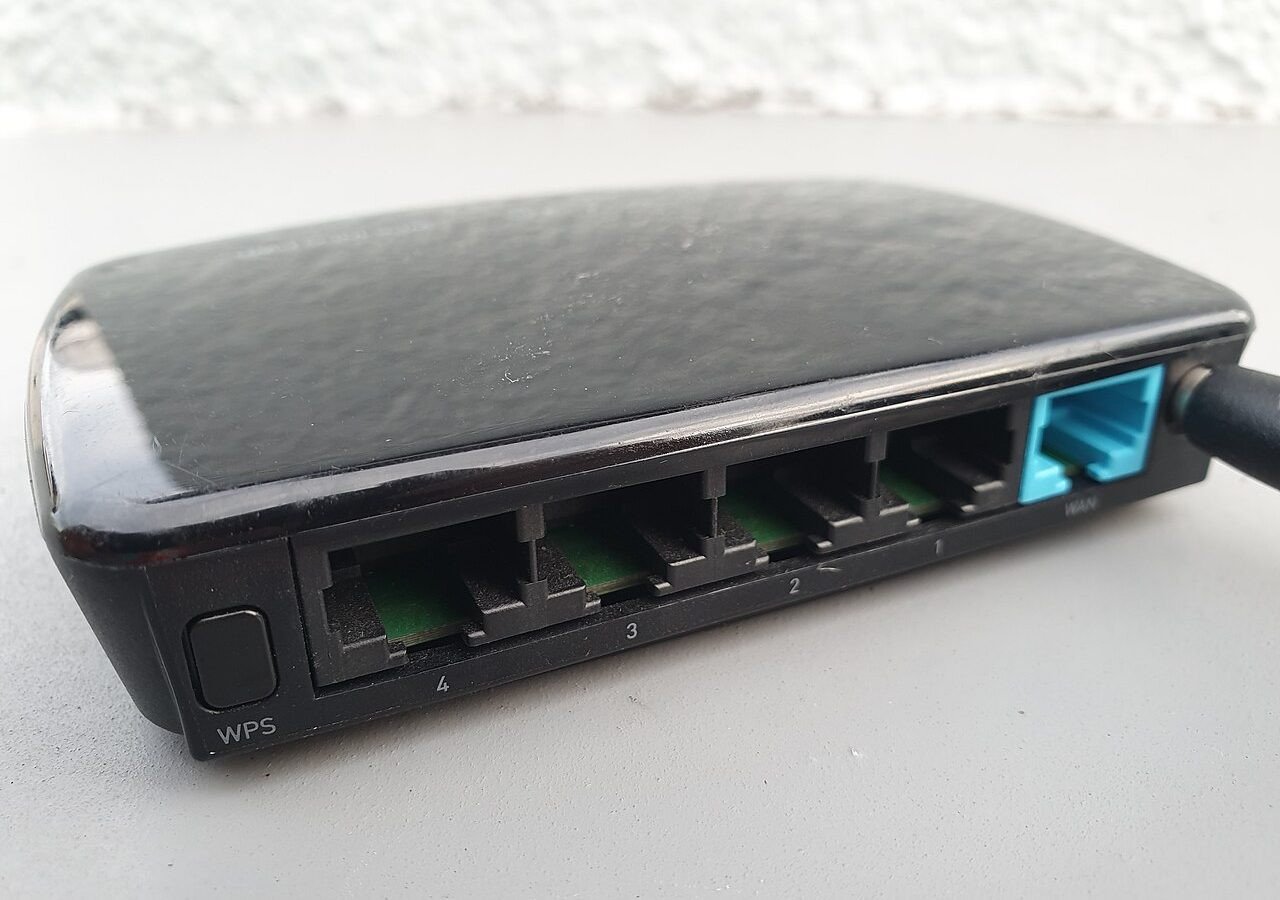
Few things test your patience like a video call freezing mid-sentence or a film buffering for the third time in an evening. The usual reaction is to blame the internet provider. Sometimes that’s fair. Often, though, the problem is inside your home, between the router and your device. That’s good news, because those problems are usually cheap to fix.
First, Find Out Where the Problem Is
Run a speed test on a device connected directly to the router with a network cable, if you can. Then run one over Wi-Fi standing close to the router, and another in the room where things are slow.
If the wired speed is far below what you pay for, the issue is probably with your line or provider. If wired is fine but Wi-Fi drops off sharply in certain rooms, the problem is your wireless setup. That’s where most of the fixes below come in.
Router Placement Matters More Than You’d Think
Wi-Fi signals weaken as they pass through walls, floors and furniture. Thick brick, concrete, mirrors and metal are especially tough. Water absorbs signal too, so a large fish tank between you and the router isn’t helping.
Many routers end up in a cupboard, behind the TV or on the floor in a corner, because that’s where the cable comes in. Moving the router to a central, raised, open spot can make a dramatic difference. Even lifting it onto a shelf and away from other electronics helps.
Too Many Devices on the Network
Think about everything connected at home: phones, laptops, tablets, smart TVs, games consoles, speakers, cameras, doorbells, maybe a fridge. Each one takes a share of the available capacity. Older devices can also slow the network for everyone because they talk at slower speeds.
Check your router’s app or admin page to see what’s connected. Disconnect devices you no longer use, and consider limiting large background downloads during the hours when you need the network most.
Crowded Channels and Bands
In apartments and dense streets, dozens of networks may be competing on the same channels. Most modern routers broadcast on two or three bands.
2.4 GHz
Travels further and passes through walls better, but it’s slower and more crowded.
5 GHz and 6 GHz
Much faster and less congested, but with shorter range. Ideal for devices in the same room or one room away.
Many routers handle band selection automatically. If yours doesn’t, try connecting devices near the router to the faster band. You can also let the router choose the least crowded channel, or run a Wi-Fi analyser app to see which channels nearby networks are using.
Your Router May Simply Be Old
Routers do age. An old model may not support current Wi-Fi standards, may struggle with many devices and may no longer receive security updates. If yours is more than five or six years old, or was the most basic option your provider offered, an upgrade can be worthwhile.
Before buying anything, check for firmware updates. Manufacturers often fix bugs and improve performance through updates, and they’re free.
Large Homes Need More Than One Access Point
In bigger homes or houses with several floors, a single router often can’t cover everything well. Two common options:
- Mesh systems use several units placed around the home that work together as one network. They’re generally the easiest way to get even coverage.
- Range extenders are cheaper but can cut speeds, because they repeat the signal rather than creating a proper backbone.
If you can run a network cable to a second access point, that usually gives the best performance of all.
Quick Fixes Worth Trying Today
- Restart the router and modem. It clears temporary glitches and is often surprisingly effective.
- Move the router somewhere central and off the floor.
- Update router firmware.
- Set a strong Wi-Fi password so neighbours aren’t using your bandwidth.
- Use a cable for devices that never move, such as a desktop computer or TV.
When It Really Is the Provider
If wired speeds are consistently poor, especially at the same times every evening, contact your provider with your speed test results. Ask them to check the line and the equipment they supplied. Sometimes a newer router, a line repair or a different plan solves what no amount of tinkering at home could.
Most slow Wi-Fi comes down to distance, interference and old equipment. Tackle those, and your connection will likely feel faster without paying for a bigger plan.